← Help centre
Finding your workspace
Every organisation has its own address. Here is how to get to yours and sign in.
For: Everyone-
1
Your organisation has its own address
Each school or company on the platform gets its own web address, in the form your-organisation.on.training. Everything you do — your courses, your people, your certificates — lives there, kept completely separate from every other organisation. Your account belongs to that one workspace.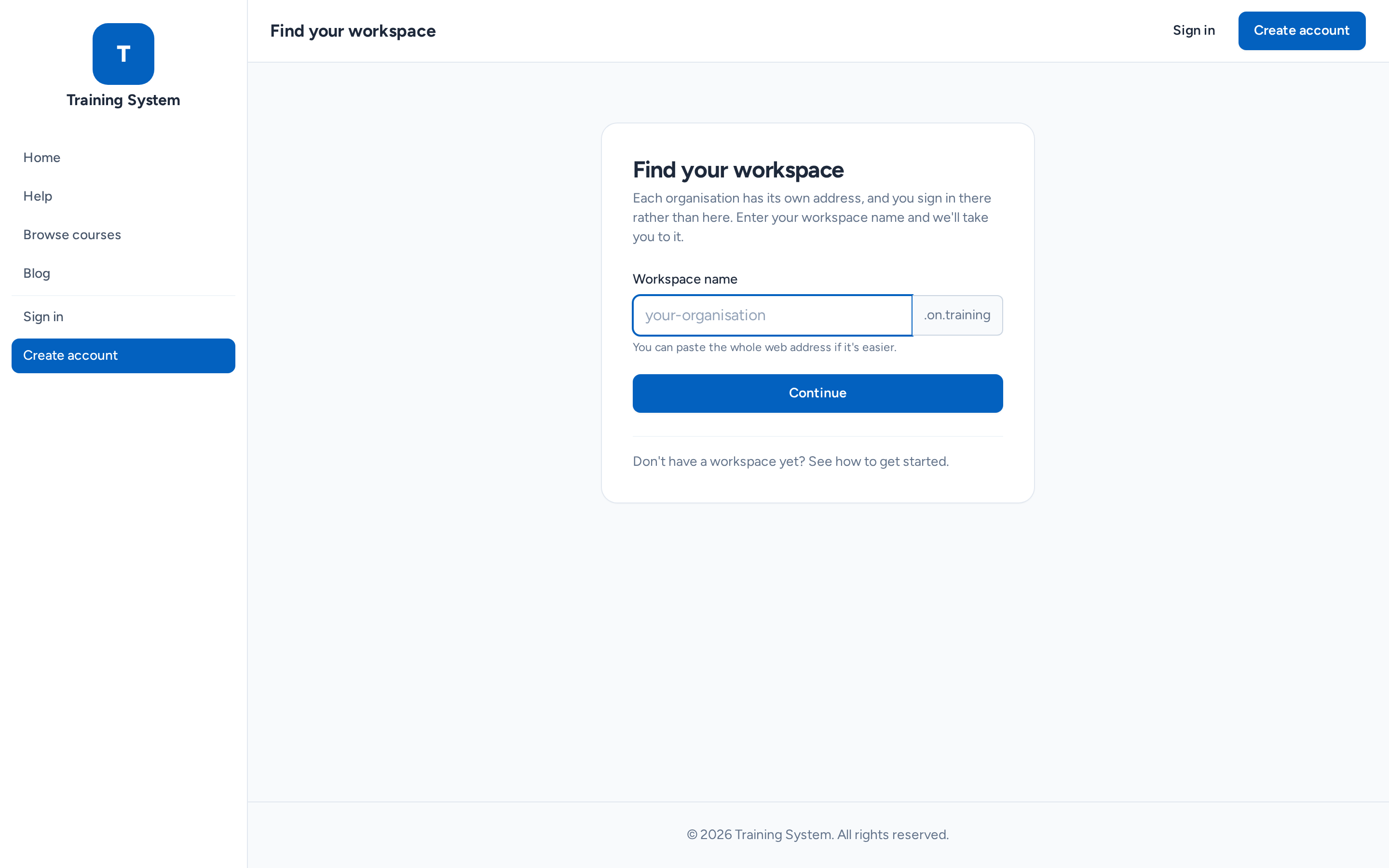
-
2
If you know your address
Go straight to it and sign in as normal. It is worth bookmarking, because that is where you will always sign in. If your organisation sent you an invitation email, the link in it already points at the right place.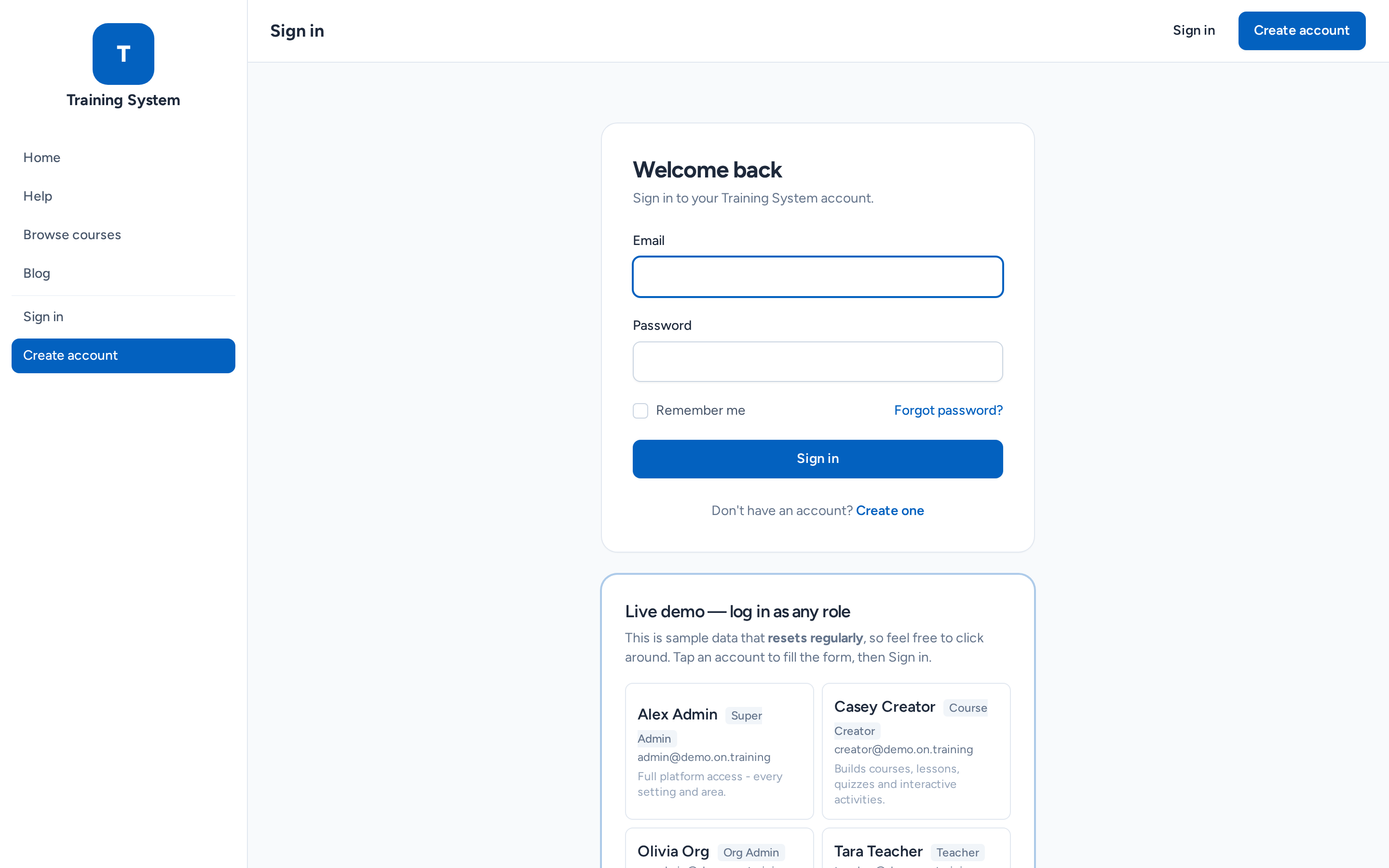
-
3
If you have forgotten your address
Go to the main site and use Find your workspace. Type your organisation's name — you can paste the whole web address if that is easier — and we will take you to the right sign-in page.
-
4
Why you cannot sign in on the main site
The main on.training address is the platform's front door, not a workspace, so there is no account to sign in to there. If you try, we will send you to Find your workspace. This is deliberate: it is what keeps each organisation's people and data separate from everyone else's.
Still stuck? Ask your administrator, or the person who invited you, for a hand.