← Help centre
Groups
Organise learners into groups, assign teachers and helpers, and assign courses (with automatic enrolment).
For: School / organisation admins-
1
Create a group
Go to My organisation → Manage groups and add a group — for example a class, year group or cohort. You can create as many as you need.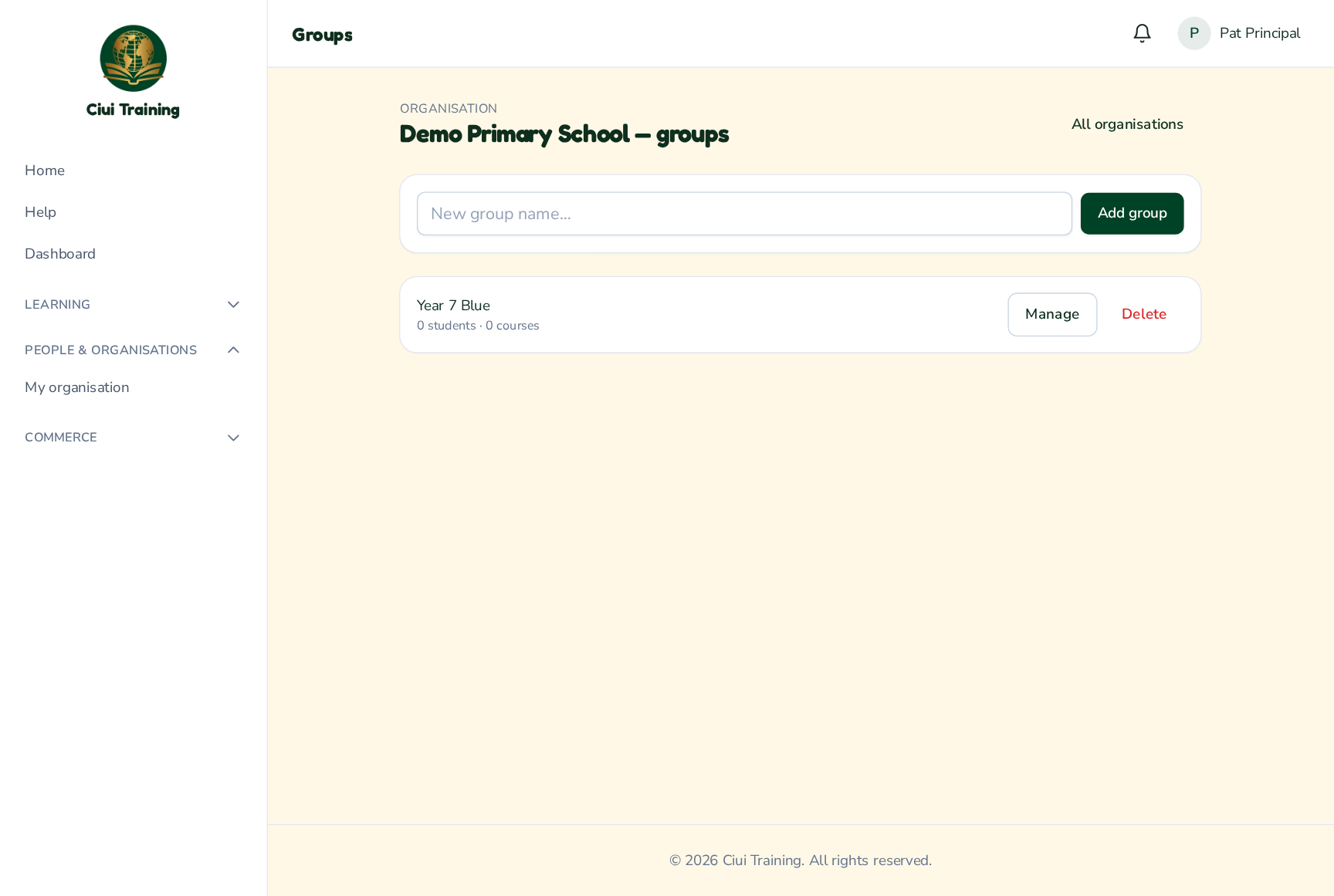
-
2
Add learners, teachers & helpers
Open a group to manage it. Add learners to the group, and assign the teachers and helpers who look after it — each is chosen from your organisation's members.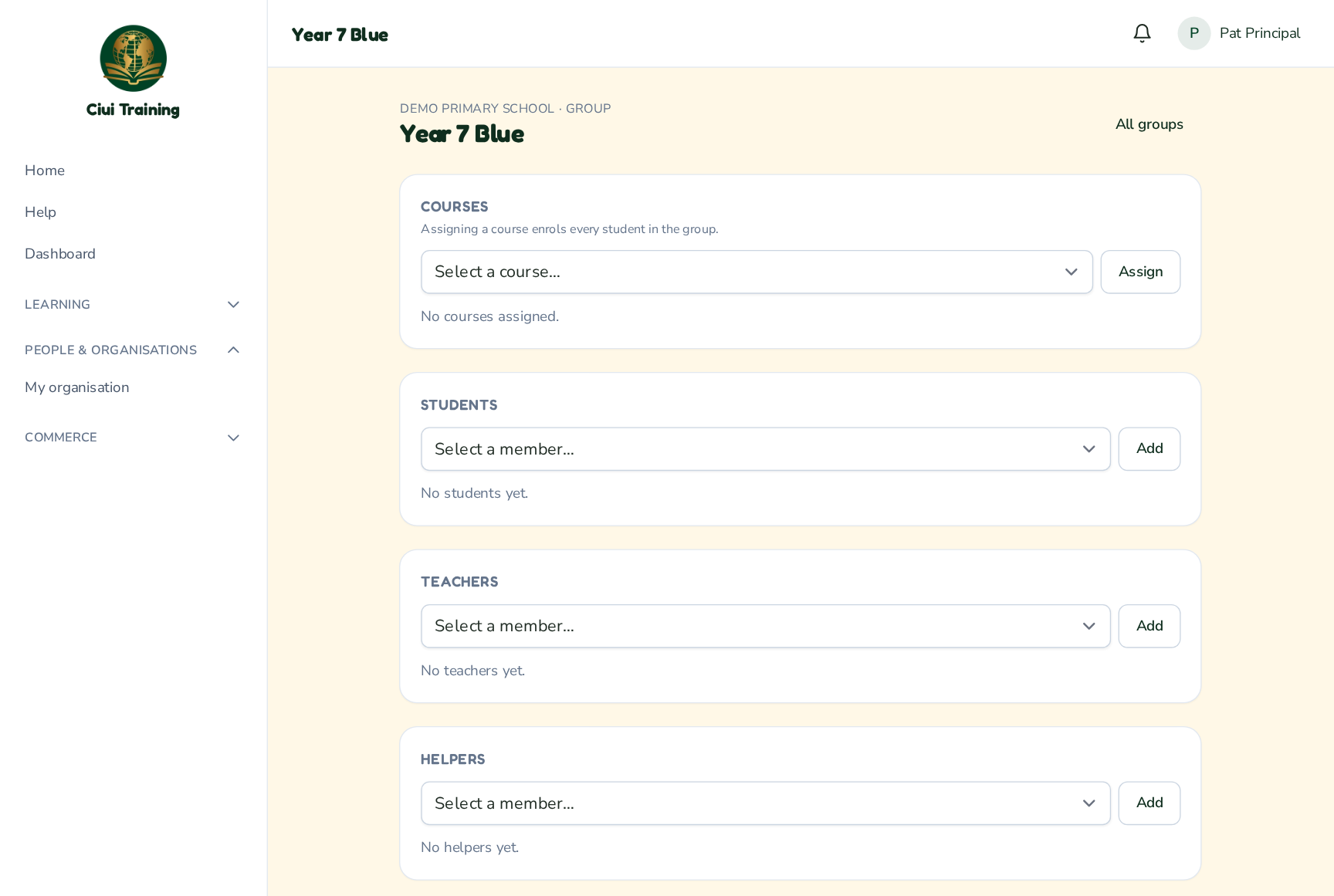
-
3
Assign courses (auto-enrolment)
Assign one or more courses to the group. Every learner in the group is automatically enrolled onto those courses — and any learner you add later is enrolled too. Remove a learner and re-add them and their previous progress is preserved.
Still stuck? Ask your administrator, or the person who invited you, for a hand.