← Help centre
Getting started
Create an account, sign in, and find your way around.
For: Everyone-
1
Create your account
Click Create account (top-right or in the sidebar). Enter your name, email and a password, accept the Terms and Privacy Policy, and submit. If you're signing up on behalf of a school or organisation, use Register your school instead — see the "Registering & running a school" guide.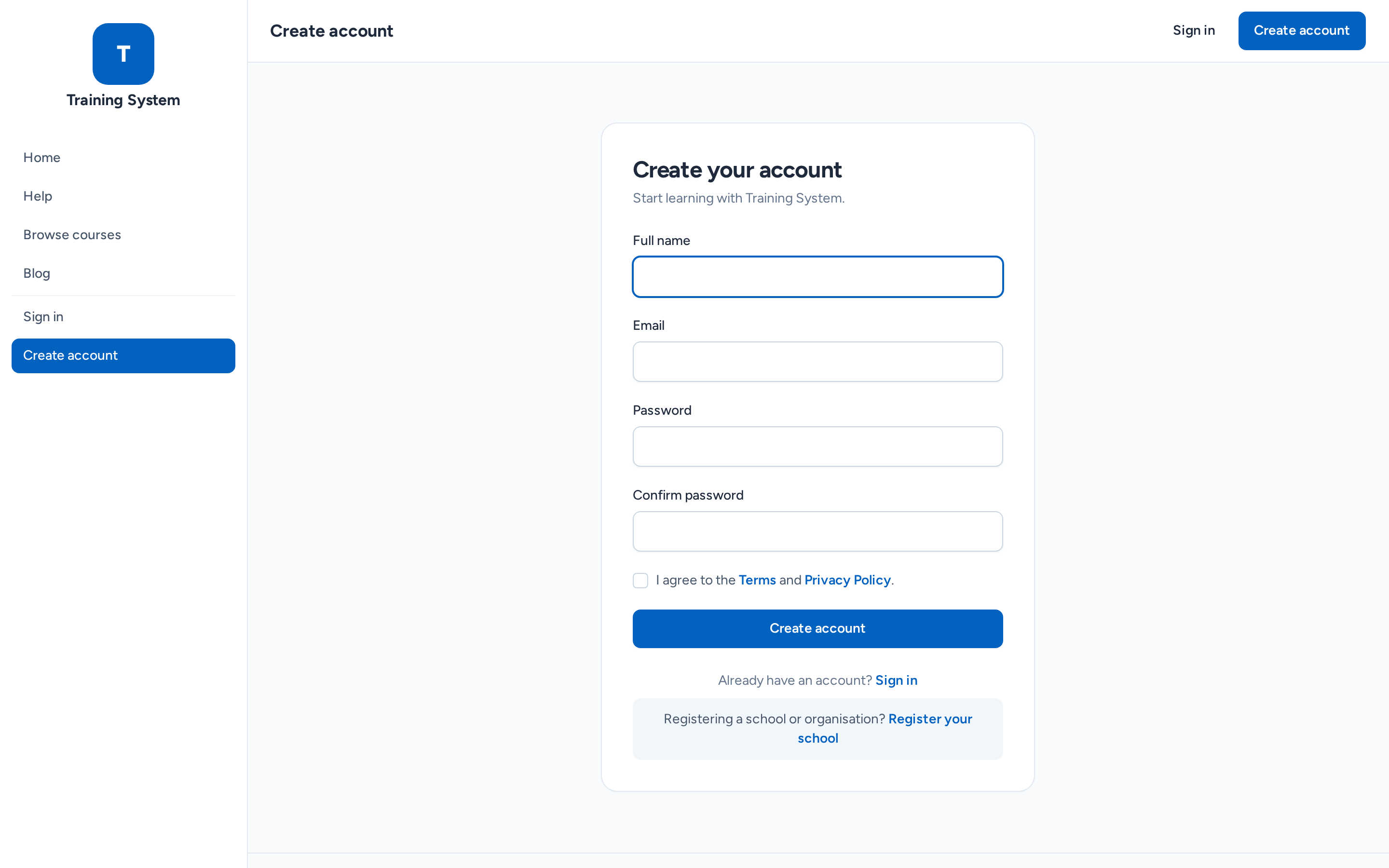
-
2
Verify your email
We'll email you a verification link — click it to confirm your address. (Accounts created for you by a school administrator arrive with a "set your password" invitation instead, which verifies you automatically.) -
3
Sign in
Use Sign in with your email and password. Tick "Remember me" to stay signed in on your own device, or use "Forgot password?" if you need to reset it.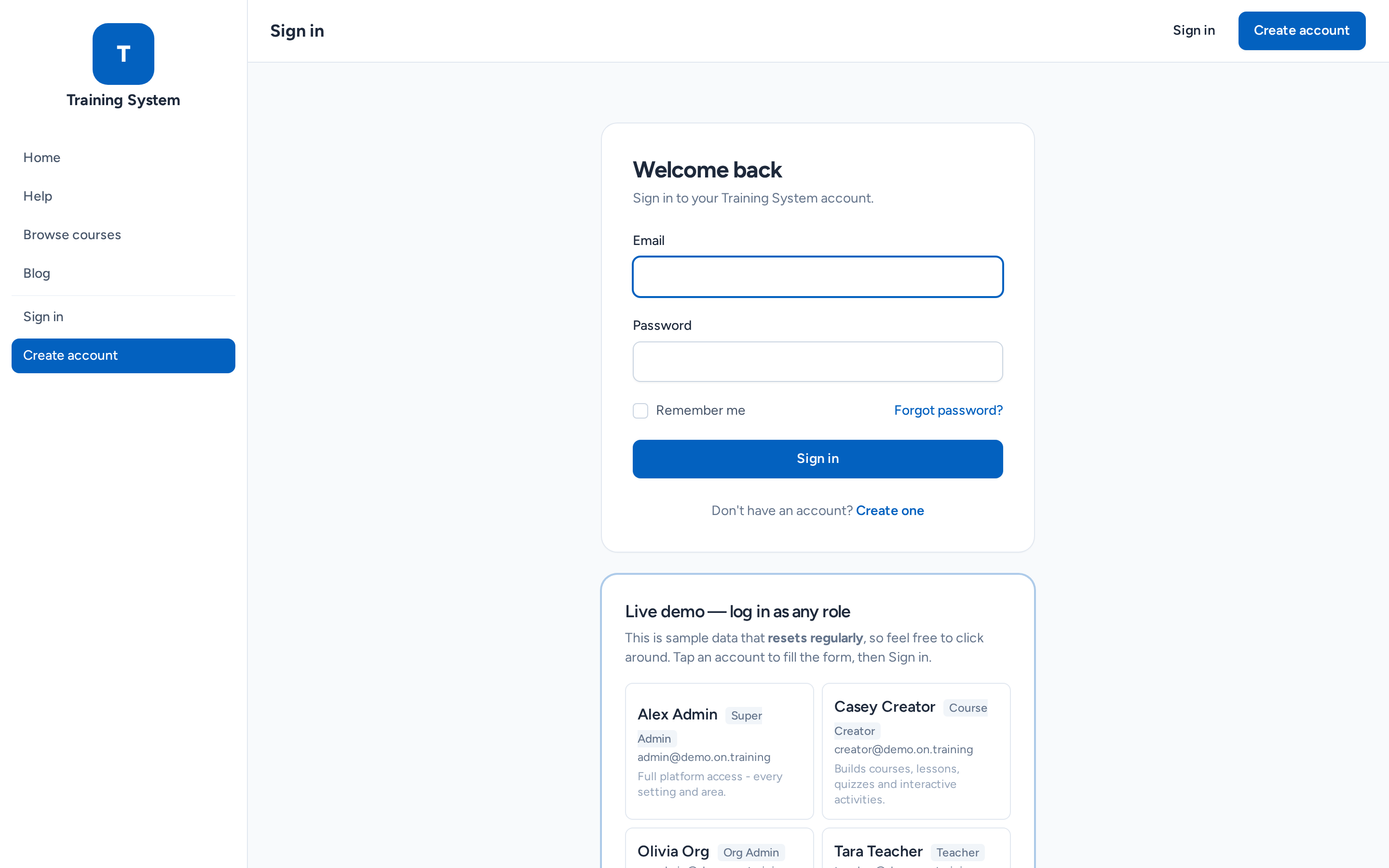
-
4
Find your way around
The left sidebar is your main menu — what you see depends on your role. Your Dashboard shows an overview and your learning at a glance; the menu groups (Learning, Teaching, People & Organisations, and so on) expand to reveal the tools available to you.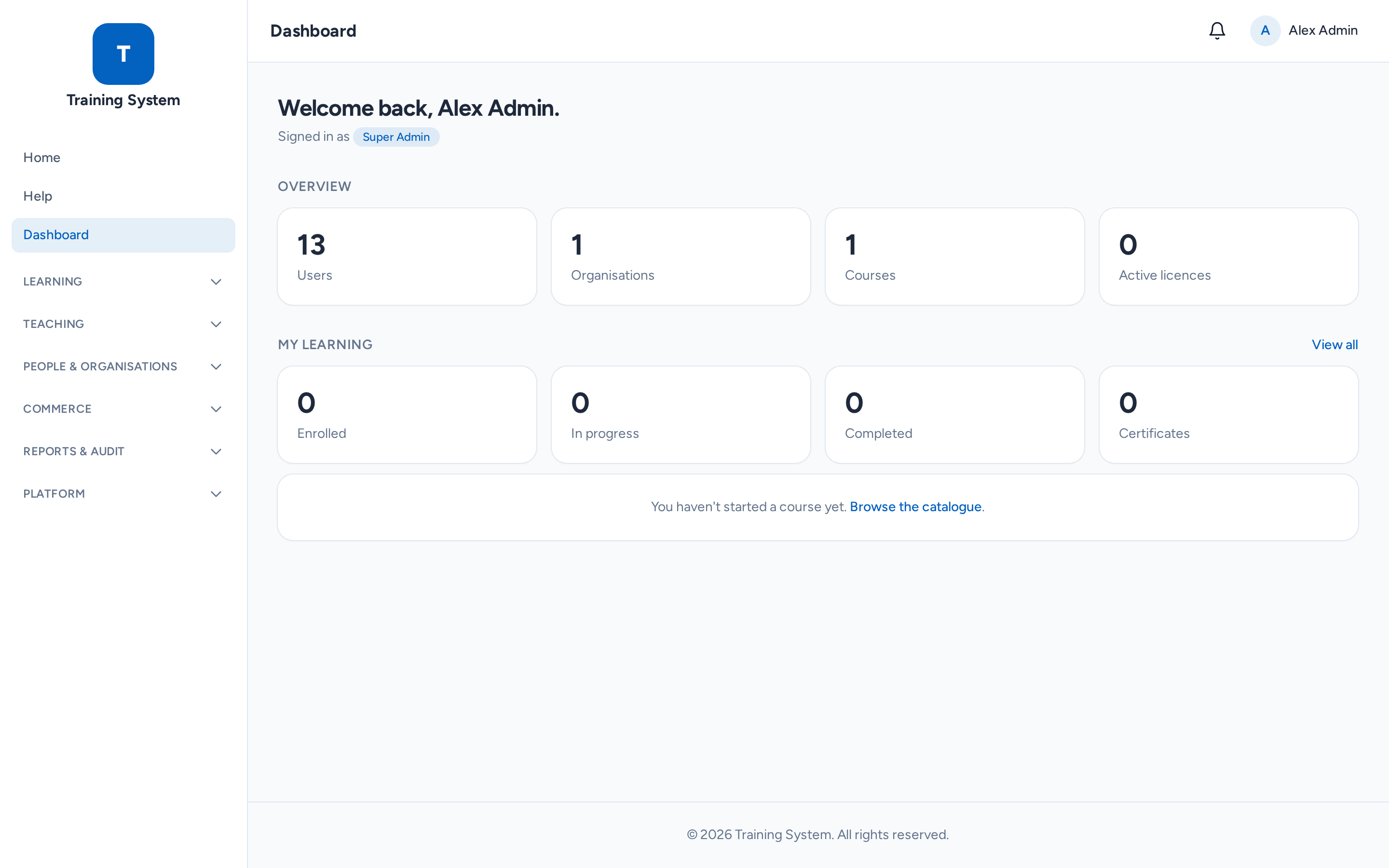
Still stuck? Ask your administrator, or the person who invited you, for a hand.