← Help centre
Registering & running a school
Register your organisation and add teacher, learner, parent and helper accounts — one at a time or by CSV.
For: School / organisation admins-
1
Register your school
From the account menu choose Register your school. Enter the school name and your own admin details. Your organisation is created in a pending state and your admin account is set up.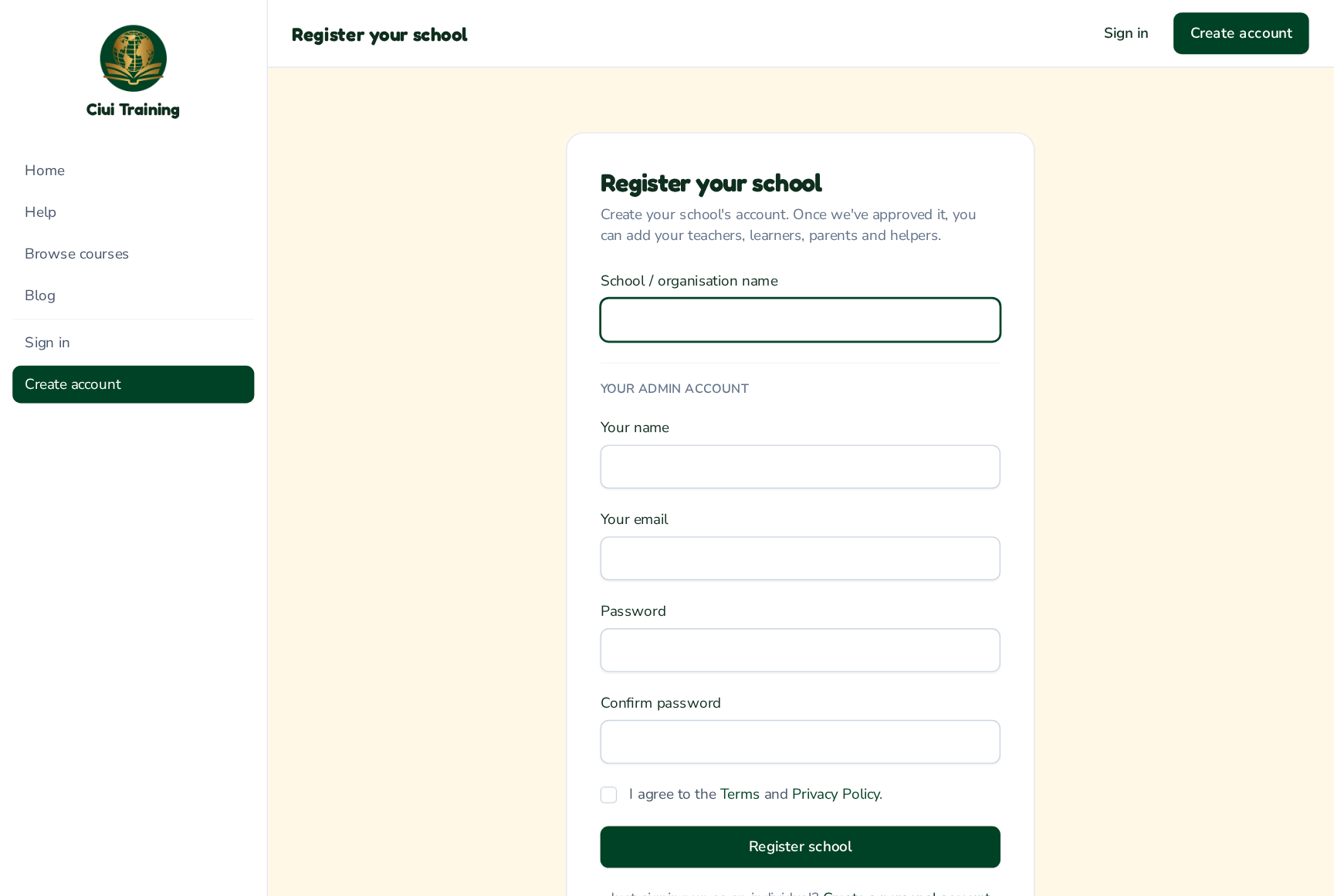
-
2
Wait for approval
A platform administrator reviews and approves new schools. You can sign in straight away, but adding members unlocks once your school is approved — you'll get an email when it is. -
3
Add members individually
Go to My organisation → Manage members. Fill in a name, email and role — Teacher, Learner, Parent or Helper — and click Add. The person is emailed an invitation to set their own password.
-
4
Bulk import from a CSV
To add many people at once, use Bulk import. Click Download CSV template to get a file with the right columns (name, email, role) and an example of each role. Fill it in, choose a default role for any rows that don't specify one, upload it, and everyone is created and emailed an invitation. You'll get a summary of how many were invited, skipped or had errors.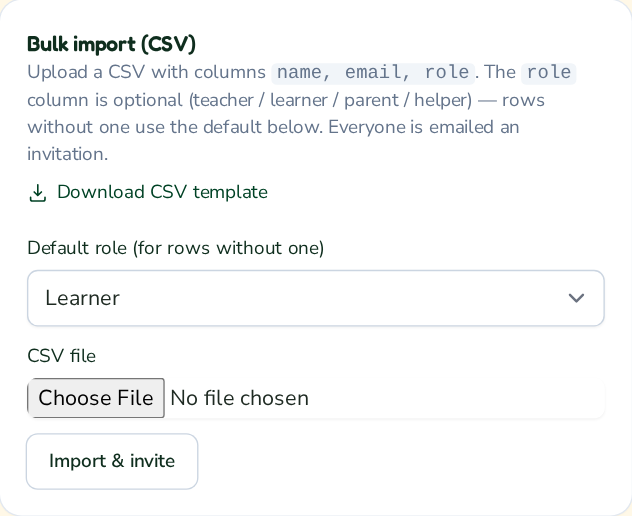
Still stuck? Ask your administrator, or the person who invited you, for a hand.